Roman Analog Clock-73.6
Publisher Description
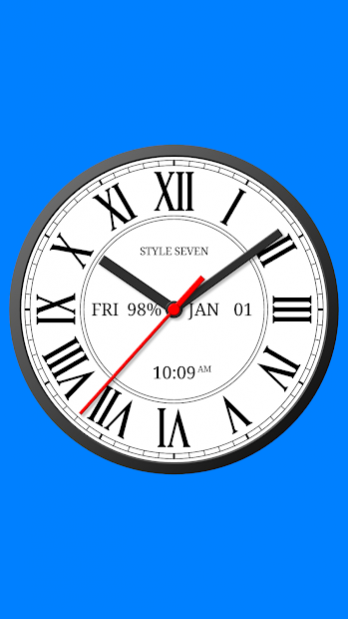
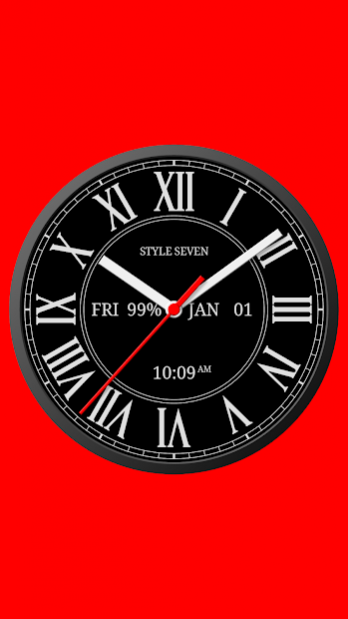
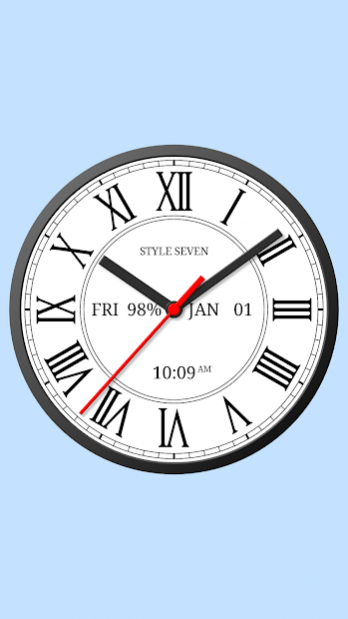
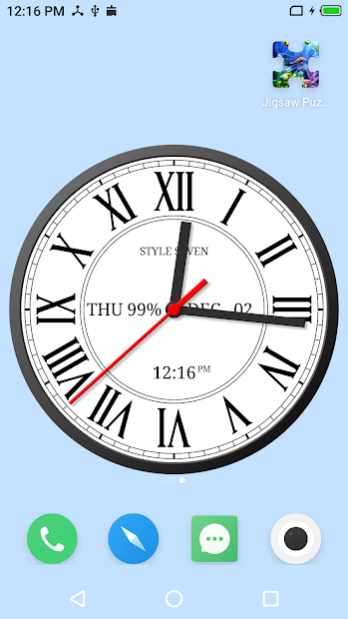
This is a classic Roman analog clock. You can use it as application, Live Wallpaper and widget. The clock displays also the current date, day of the week, month, battery charge, digital clock and can hint the current time by voice.
Features:
* Light and dark color themes;
* Select background and secondary colors;
* Show: date, month, day of the week, battery charge and move them to any fixed place on the dial;
* Show a second hand;
* Show a digital clock;
* Regular or bold Rome font;
* Use symbol IV instead IIII;
* Time to speech by double tap or one tap for widget or periodically;
* Hide hands for 3 seconds by double tap to comfy read information on the dial,
Special setting for app:
* Keep a screen on.
Special settings for all widgets:
* Show a second hand;
* Action by tap: open this app, open an inbuilt alarm app;
* Use long touch on a widget to enter resize mode.
Special settings for Live Wallpaper:
* Resize a clock;
* Align a clock on the Home screen.
Additional features according to global settings:
* Supports the native language to display a month and a day of the week;
* Supports 12 hour and 24 hour time formats for a digital clock.
About Roman Analog Clock-7
The company that develops Roman Analog Clock-7 is Style-7. The latest version released by its developer is 3.6. This app was rated by 4 users of our site and has an average rating of 4.6.
To install Roman Analog Clock-7 on your Android device, just click the green Continue To App button above to start the installation process. The app is listed on our website since 2022-01-15 and was downloaded 355 times. We have already checked if the download link is safe, however for your own protection we recommend that you scan the downloaded app with your antivirus. Your antivirus may detect the Roman Analog Clock-7 as malware as malware if the download link to com.style_7.romeclocklivewallpaper_7 is broken.
How to install Roman Analog Clock-7 on your Android device:
- Click on the Continue To App button on our website. This will redirect you to Google Play.
- Once the Roman Analog Clock-7 is shown in the Google Play listing of your Android device, you can start its download and installation. Tap on the Install button located below the search bar and to the right of the app icon.
- A pop-up window with the permissions required by Roman Analog Clock-7 will be shown. Click on Accept to continue the process.
- Roman Analog Clock-7 will be downloaded onto your device, displaying a progress. Once the download completes, the installation will start and you'll get a notification after the installation is finished.
Program Details
System requirements
Download information
Pricing
Version History
version 3.6
posted on 2022-01-15
New widget with second hand for Android 12.
Minor changes.
version 3.5
posted on 2021-12-02
* Standard widget (very stable);
* Help for resolve common problems;
* Minor changes.
version 3.41
posted on 2021-02-15
* Optimization for widget.
version 3.4
posted on 2021-02-02
Minor changes.
version 3.3
posted on 2020-12-15
* Hide hands for 3 seconds to show text on the dial by double tap as option (one tap for widgets for the Home screen);
* Support multi windows mode (split or pop up window);
* Common settings for all widgets on the Home screen (see item on the settings dialog);
* Minor changes.
version 3.21
posted on 2020-08-24
* Instruction to fix widget freezing for some devices: see widget configuration window;
* Help for add a widget to the Home screen;
* Minor changes.
version 3.2
posted on 2020-05-23
* Dark color theme;
* Minor changes of appearance.
version 3.01
posted on 2019-12-21
* Full screen mode;
* Minor changes.
version 3.0
posted on 2019-09-10
* Major changes according to Material Design;
* Bold font.
version 2.2
posted on 2017-12-24
* Time to speech by interval: 1, 5, 15, 30 or 60 minutes.
